Xerox error code
093-xxxToner cartridge / dispense faults (093-xxx)
✅ You can try a fix
What it means
Codes starting with 093 relate to toner cartridges and toner dispensing — empty, not detected, or not dispensing correctly.
Common causes
- Toner cartridge empty or not seated
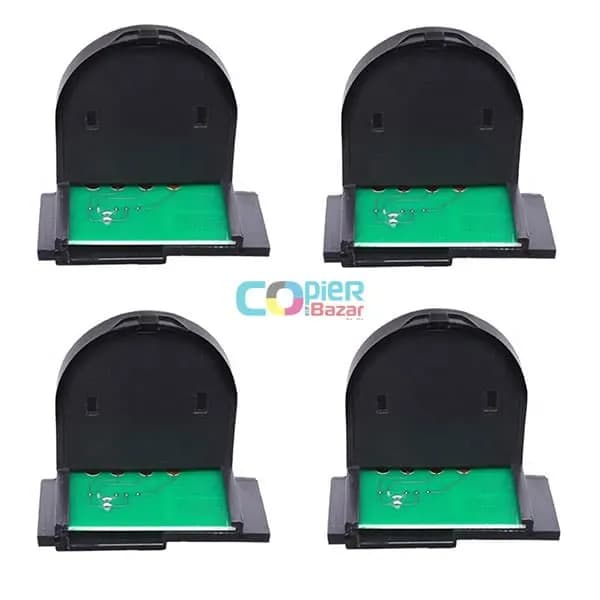
- Toner chip not recognised
- Toner dispense motor fault
What you can safely try
- 1Remove the toner cartridge, shake it gently side to side and re-insert it until it clicks.
- 2Check the waste toner box — replace it if it is full.
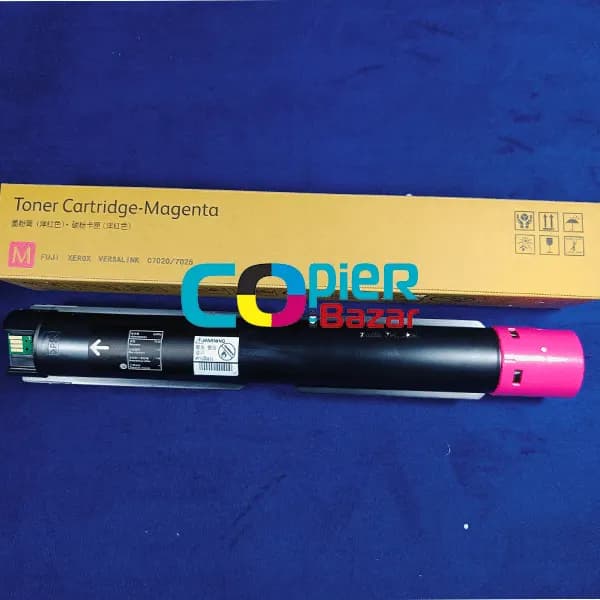
- 3Use the toner made for your exact model; a wrong or refilled cartridge without a working chip often causes this code.
- 4Switch the machine off, wait 30 seconds and switch it on again — note whether the code comes back.
⚠️ If the code comes back after a restart, stop using the machine and call an engineer — running it on can damage more parts.
The exact meaning can vary slightly between models. Send us the model number for a precise diagnosis.