Xerox error code
010-xxxFuser faults (010-xxx)
🔧 Needs an engineer
What it means
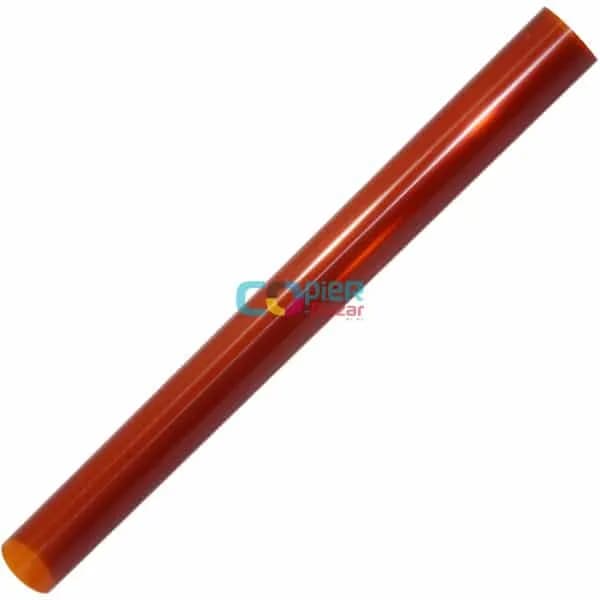
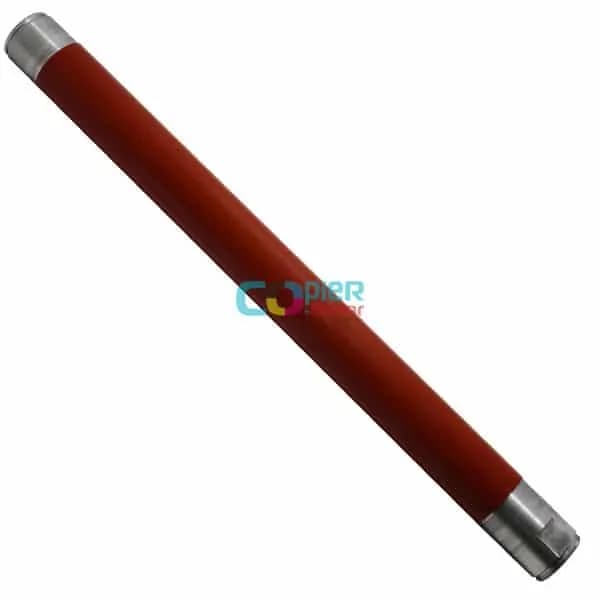
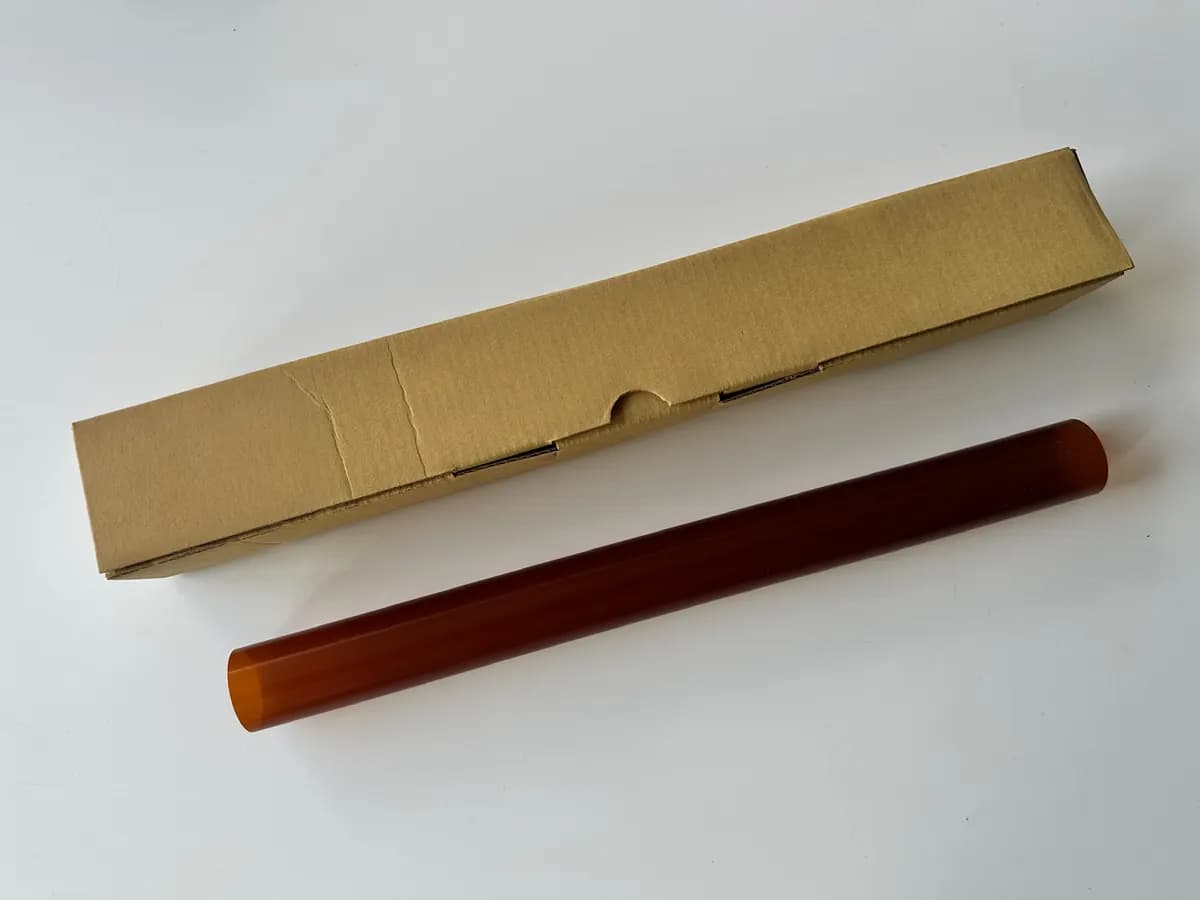
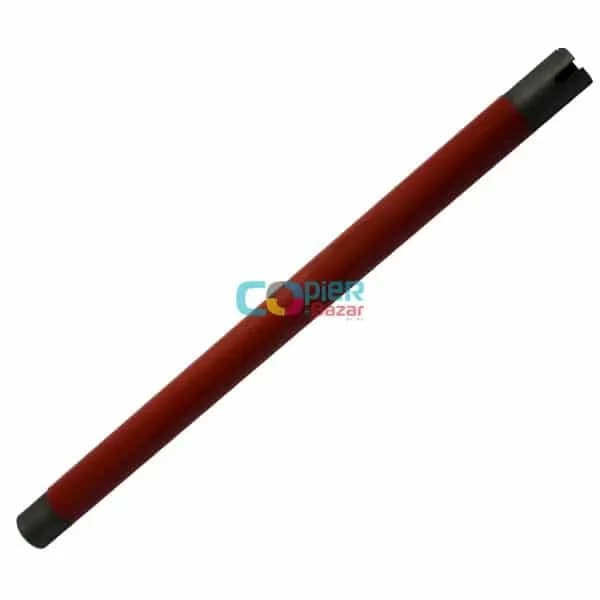
On Xerox WorkCentre and AltaLink machines, codes starting with 010 are fuser faults — temperature, heater, fuser drive or fuser life.
Common causes
- Fuser module at end of life
- Heater or thermistor fault
- Unstable mains voltage
What you can safely try
- 1Switch the machine off, wait 30 seconds and switch it on again — note whether the code comes back.
- 2Check the machine is on its own wall socket with steady voltage — fuser codes often follow a voltage drop. Avoid extension boards.
- 3Do not open or touch the fuser unit: it runs at about 200 °C. Do not keep restarting the machine if the code returns.
- 4Take a photo of the display and note the machine model and its meter reading before you call.
⚠️ If the code comes back after a restart, stop using the machine and call an engineer — running it on can damage more parts.
The exact meaning can vary slightly between models. Send us the model number for a precise diagnosis.