HP error code
13.xPaper jam (13.xx)
✅ You can try a fix
What it means
13.x codes report a paper jam; the digits after the dot tell the area — tray, fuser, duplex or output.
Common causes
- Jammed or torn sheet left inside
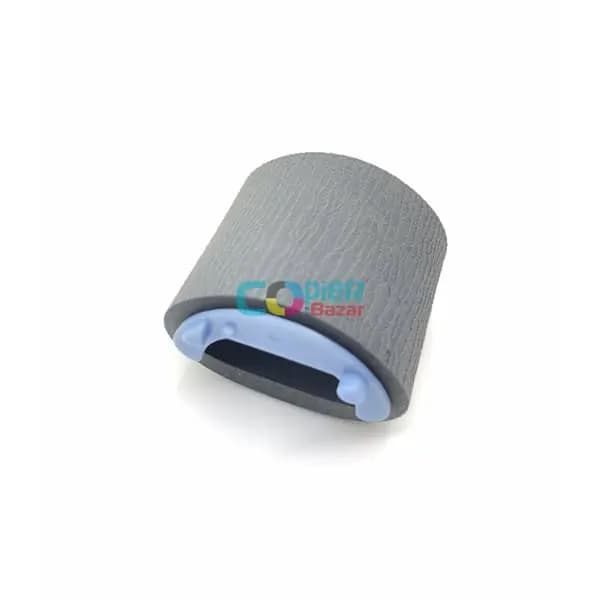
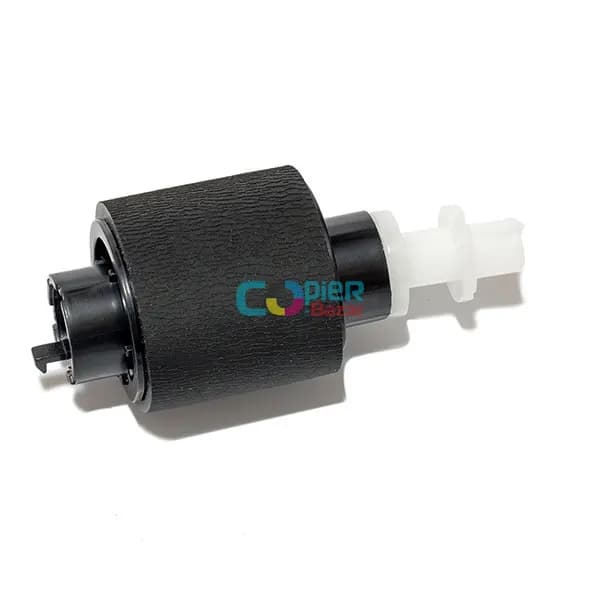
- Worn pickup or separation rollers
- Damp, curled or wrong-weight paper
What you can safely try
- 1Open every cover and tray shown on the display and gently pull out jammed paper in the direction it travels.
- 2Fan the paper stack, load it below the max line and set the tray guides snugly against it.
- 3Use dry paper of the right size and weight — damp or curled paper jams again.
- 4Switch the machine off, wait 30 seconds and switch it on again — note whether the code comes back.
⚠️ If the code comes back after a restart, stop using the machine and call an engineer — running it on can damage more parts.
The exact meaning can vary slightly between models. Send us the model number for a precise diagnosis.