Canon error code
E010Main motor error
🔧 Needs an engineer
What it means
The main drive motor is not turning at the correct speed, so the machine stops all printing.
Common causes
- Paper jam or seized gear overloading the drive
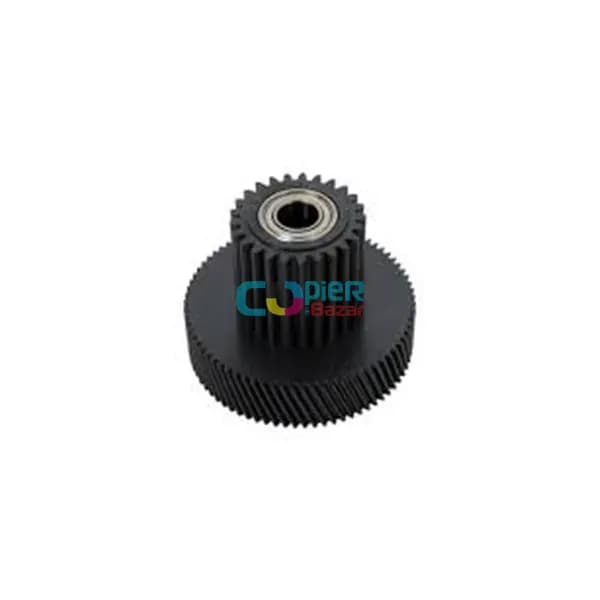
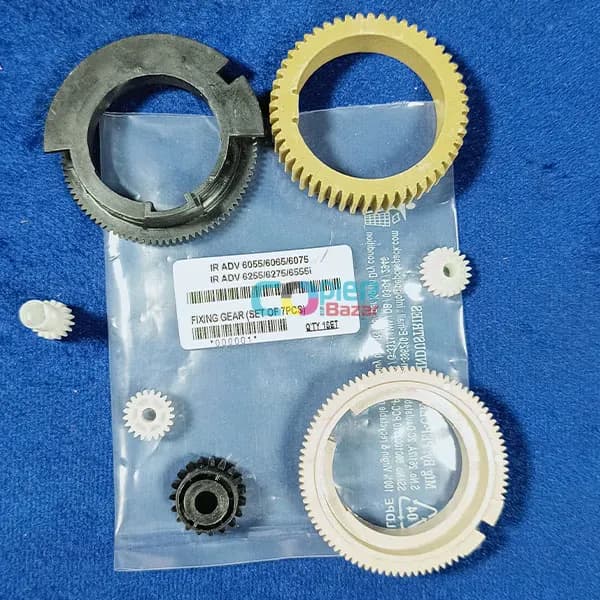
- Worn drive gears
- Main motor or DC controller fault
What you can safely try
- 1Switch the machine off, wait 30 seconds and switch it on again — note whether the code comes back.
- 2Open the covers and remove any jammed or torn paper — a stuck sheet can stall the motors.
- 3Check that all trays, the toner and the drum unit are pushed fully home and every cover is closed.
- 4Take a photo of the display and note the machine model and its meter reading before you call.
⚠️ If the code comes back after a restart, stop using the machine and call an engineer — running it on can damage more parts.
The exact meaning can vary slightly between models. Send us the model number for a precise diagnosis.