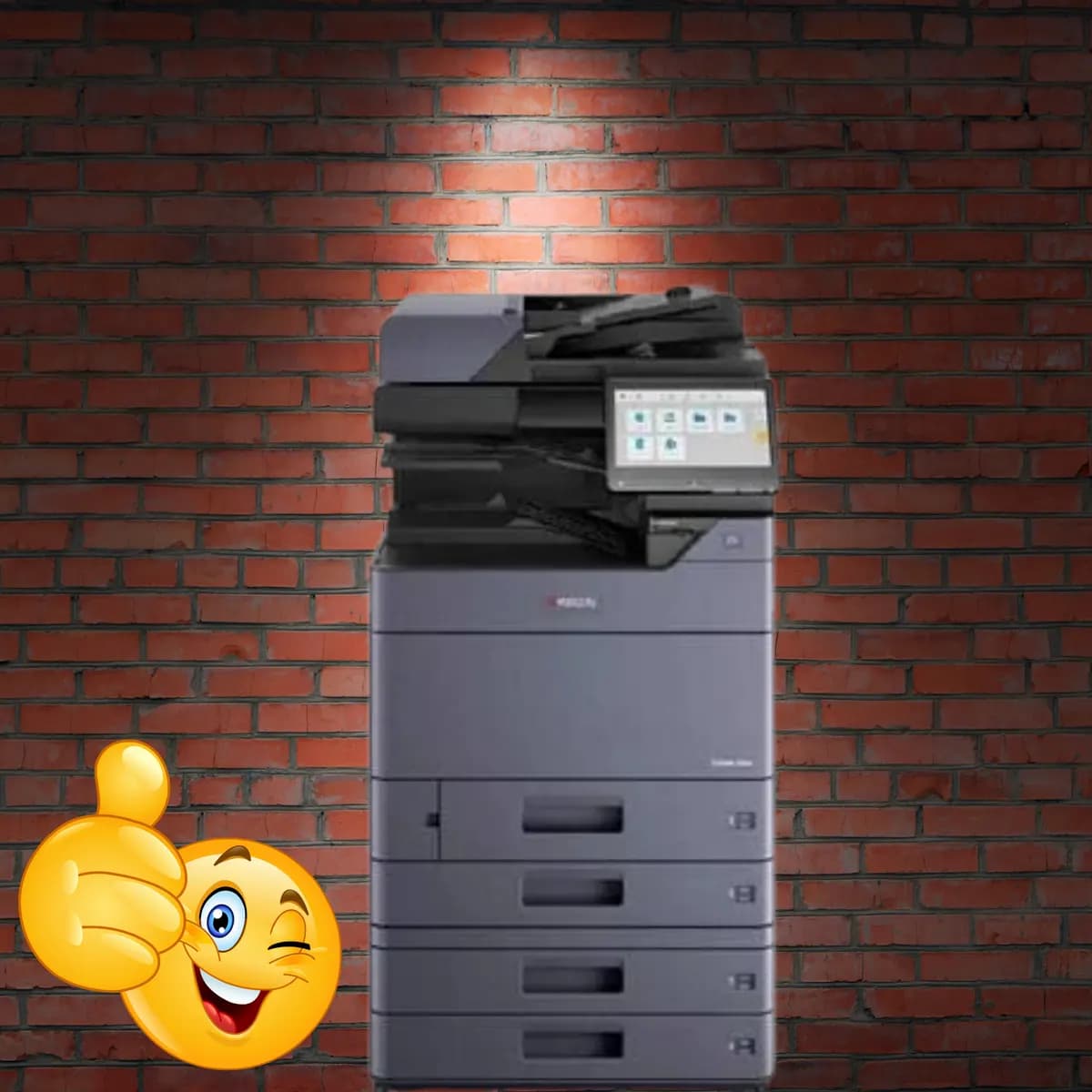
Kyocera
Kyocera Taskalfa 3554ci Color Photocopier – Top Multifunction Copier for Indian Businesses
₹2,50,000₹3,00,000incl. GST
You save ₹50,000
Canon
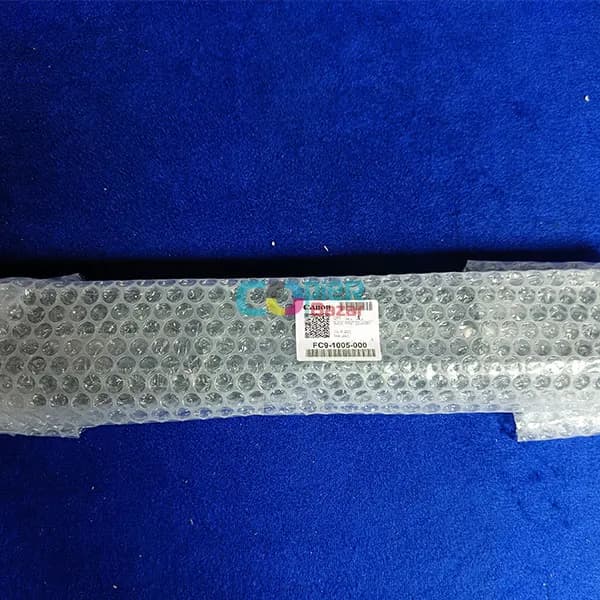
Compatible With Canon IR 2520 Canon IR 2525 Canon IR 2535 Canon IR 2545
Compatible with
The Guide First Delivery For Canon IR 2520 2525 2535 2545 (FC9-1005-000) is a genuine Canon replacement part that is responsible for guiding the paper through the printer and preventing it from jamming. It is located near the fuser unit, which is the part of the printer that melts the toner powder onto the paper.
A worn or damaged Guide First Delivery can cause a variety of problems, such as:
If you are experiencing any of these problems, it is important to replace the Guide First Delivery as soon as possible.
This genuine Canon replacement Guide First Delivery is guaranteed to fit and perform perfectly in your printer. It is also backed by Canon’s warranty, so you can be sure that you are getting a high-quality product.
Features:
Compatibility:
Installation:
The Guide First Delivery is a relatively easy part to install. To replace the Guide First Delivery in your Canon imageRUNNER printer, follow these steps:
Once the printer has booted up, you should be able to print again without any problems.
Send us your details and we will call back with the best price, delivery time and availability — usually within a few working hours.
Kyocera
You save ₹50,000
Ricoh
You save ₹27,000
Konica Minolta
You save ₹10,000
HP
You save ₹12,000