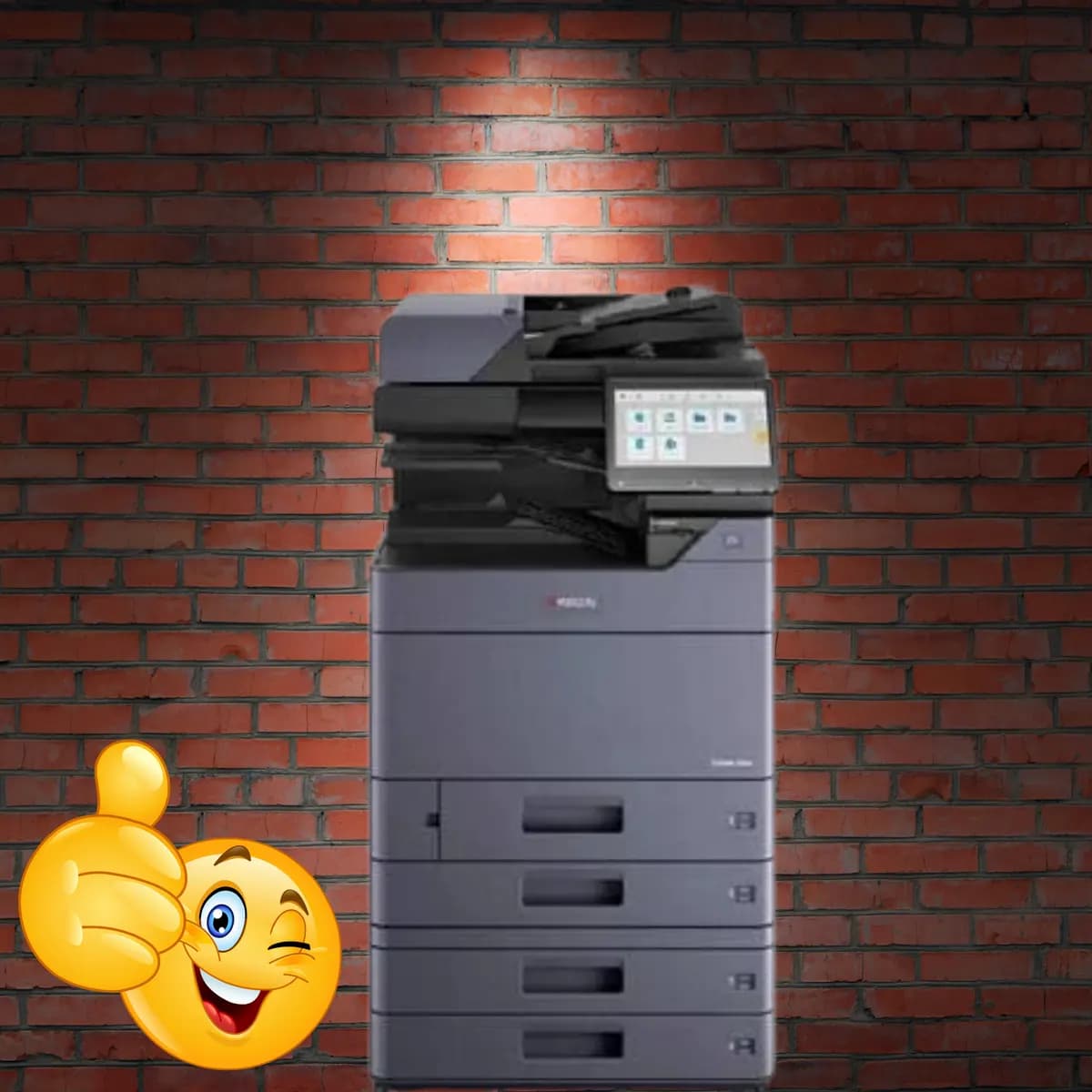
Kyocera
Kyocera Taskalfa 3554ci Color Photocopier – Top Multifunction Copier for Indian Businesses
₹2,50,000₹3,00,000incl. GST
You save ₹50,000
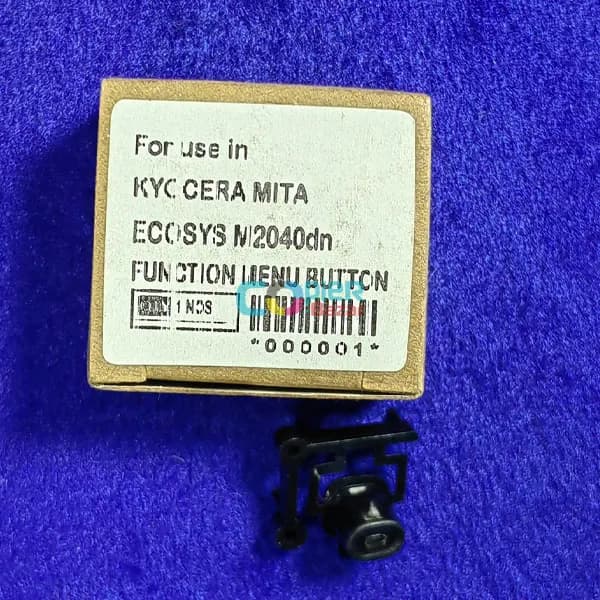
Kyocera
Use In – Kyocera 2040dn Kyocera m2540dn Kyocera m2640idw
Use In–
Kyocera 2040dn
Kyocera m2540dn
Kyocera m2640idw
If you’re looking for a way to extend the life of your Kyocera printer and avoid the need for costly repairs or replacements, Function Menu Button is an excellent choice.
In addition to improving your printer’s performance, using Function Menu Button can also save you money in the long run. By extending the life of your printer, you can avoid the need to purchase a new machine, which can be a significant expense. Additionally, by reducing the need for repairs and maintenance, you can save money on those costs as well.
Function Menu Button for Kyocera Ecosys 2040dn m2540dn m2640idw is designed to work with a variety of Kyocera printers, including the FS-2100DN, FS-4100DN, FS-4200DN, and FS-4300DN models.
Additionally, by following the maintenance and care tips outlined in this article, you can help your Kyocera printer perform at its best for years to come. So why wait? Invest in Function Menu Button today and start enjoying the benefits of a longer-lasting Kyocera printer.
Send us your details and we will call back with the best price, delivery time and availability — usually within a few working hours.
Kyocera
You save ₹50,000
Ricoh
You save ₹27,000
Konica Minolta
You save ₹10,000
HP
You save ₹12,000